Pick the frame. Ship the deck.
Decklume is a free Claude Code skill that turns a topic, your notes or a PowerPoint into a designed, animated presentation, and checks every slide in a real browser before you see it.
Install in Claude Code, one line at a time
/plugin marketplace add https://github.com/GgauravJ05/decklume /plugin install decklume@decklume 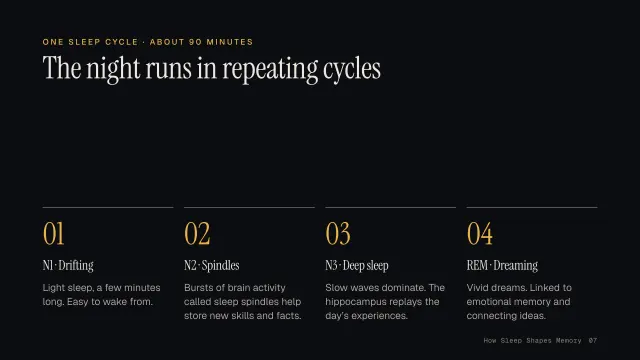
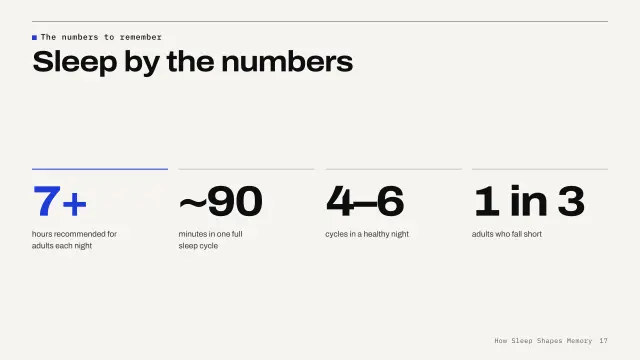
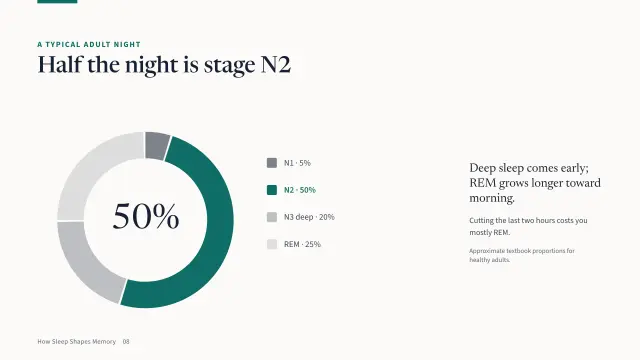
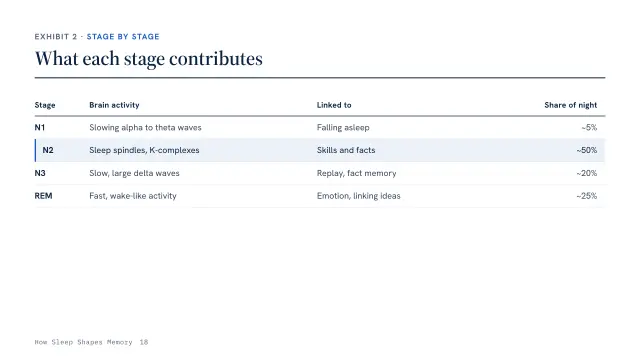
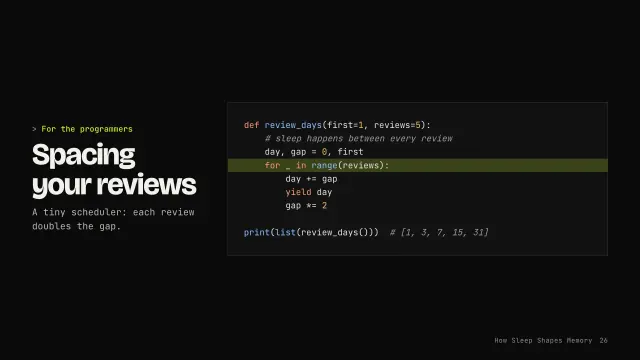

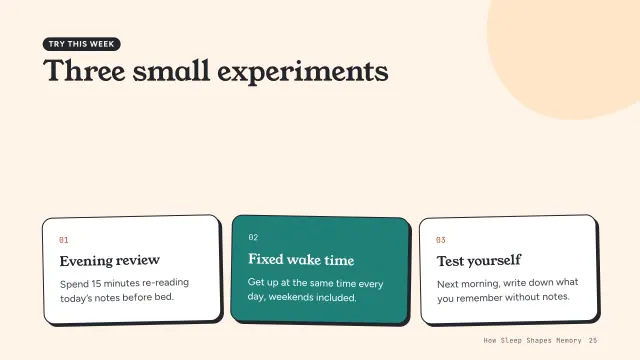
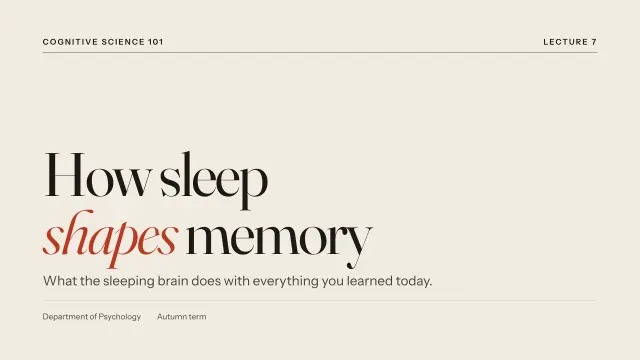
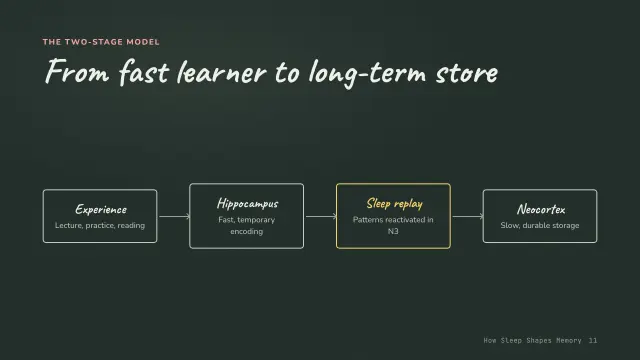


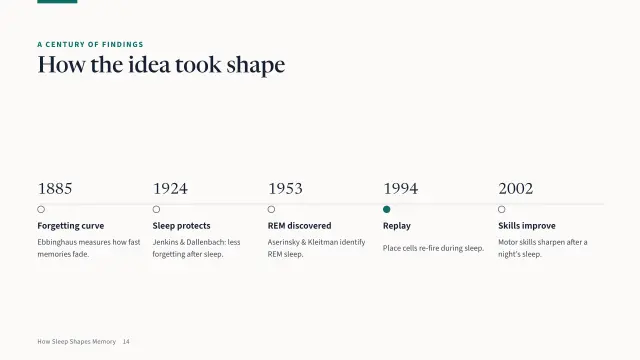
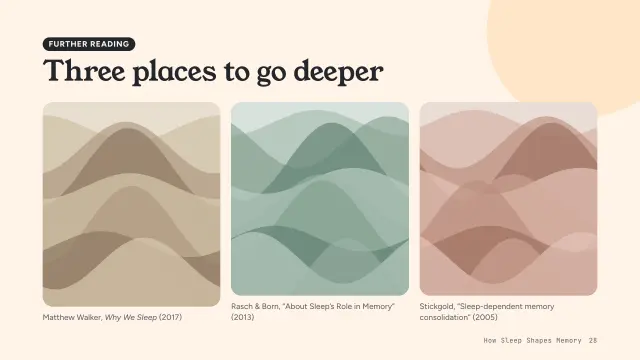
One deck. Thirteen looks.
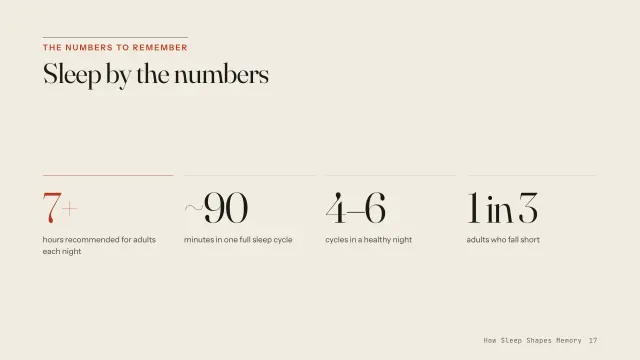
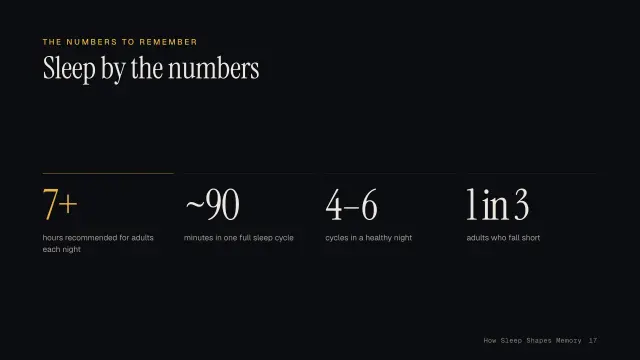
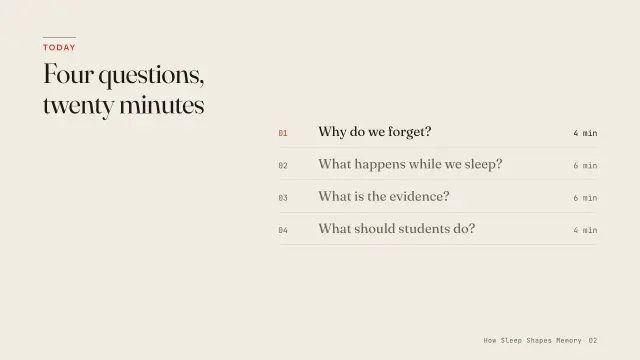
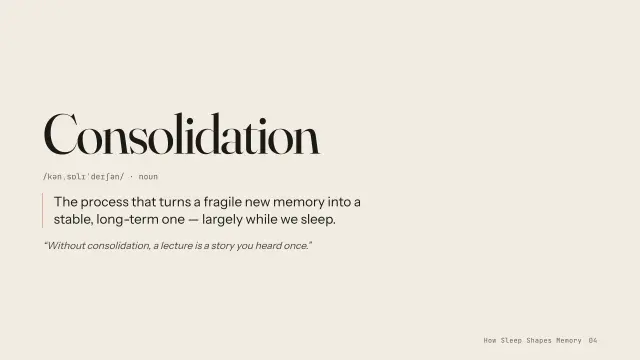
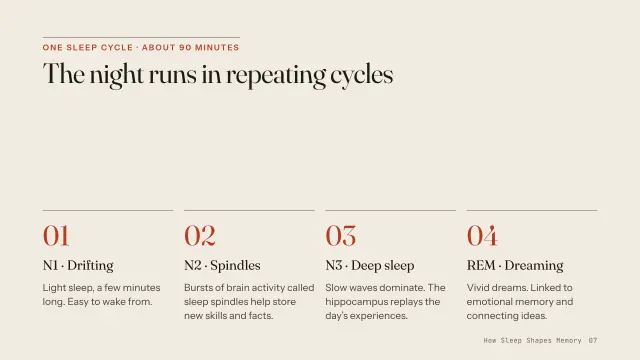
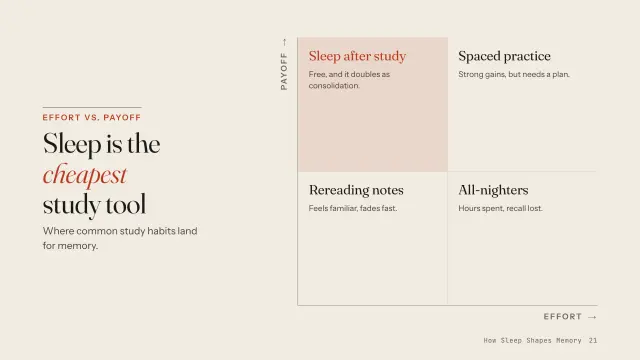
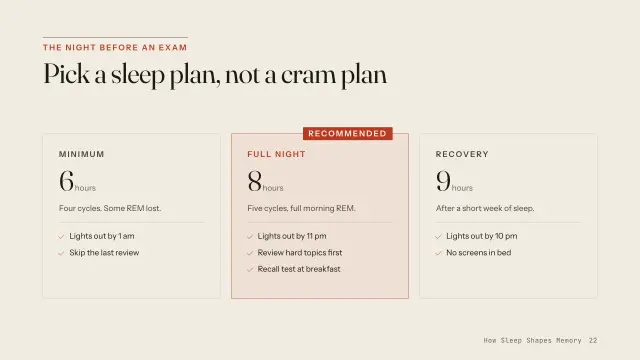
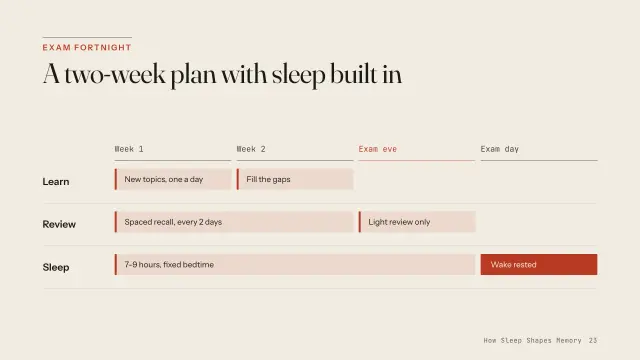
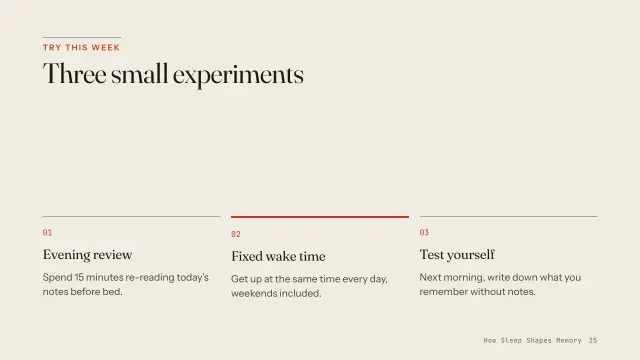
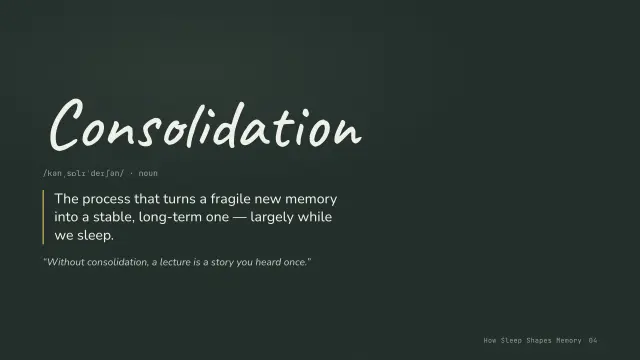
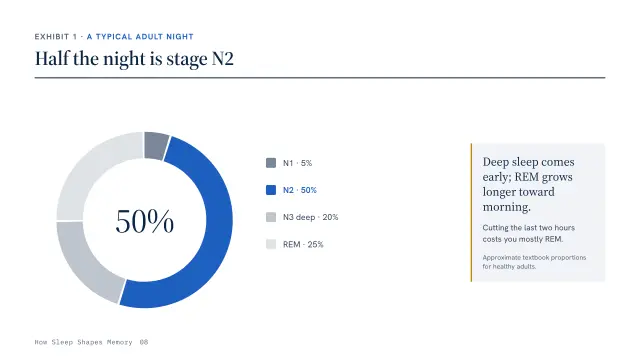
The same 33-slide lecture, rebuilt in every theme. Choose a look and a slide: this is the real deck running live, not a screenshot.
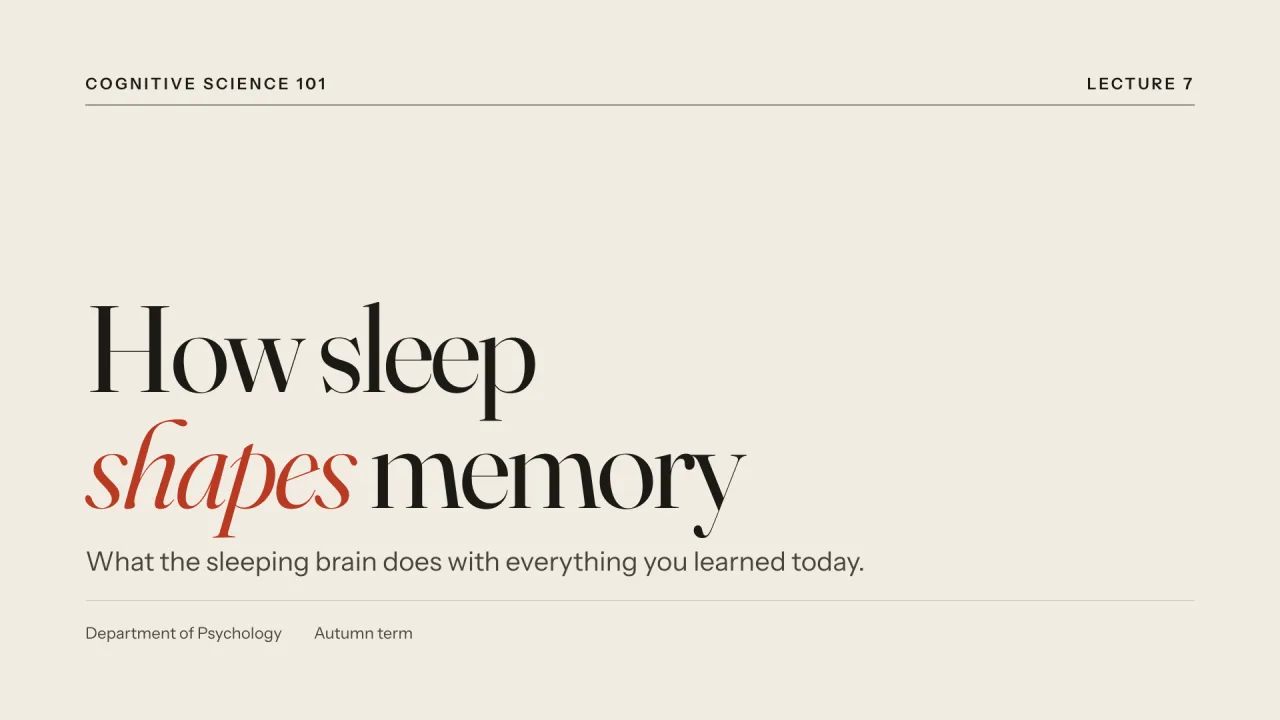
Folio
Editorial serif on warm paper — a magazine feature you can present.
Best for essays and keynotes, humanities lectures, strategy narratives.
See every slide in FolioNocturne
Dark cinematic keynote — serif headlines glowing amber in a quiet room.
Best for conference keynotes, product vision talks, storytelling.
See every slide in NocturneGrid
Swiss International Style — bold grotesk, strict grid, one cobalt signal.
Best for business reviews, design and architecture talks, startup pitches.
See every slide in GridCampus
Academic and clear — a reading-first theme for lectures, seminars and theses.
Best for university lectures, thesis defenses, research seminars.
See every slide in CampusAtlas
Consulting-grade clarity — action titles, numbered exhibits, navy and gold.
Best for case competitions, strategy and business reviews, board updates.
See every slide in AtlasAurora
Product-launch glow — wide display type, glass panels and northern-light gradients.
Best for product launches, startup demo days, AI and tech announcements.
See every slide in AuroraVolt
Brutalist terminal energy — monospace grid, black field, acid-lime signal.
Best for developer talks, hackathon demos, tech meetups.
See every slide in VoltMa
Japanese minimalism — stillness, generous space and a single indigo note.
Best for design and architecture talks, philosophy and humanities, mindful or wellbeing topics.
See every slide in MaBloom
Warm and playful — rounded shapes, friendly serif and tomato-red energy.
Best for workshops, school and club presentations, community events.
See every slide in BloomChalk
A real classroom blackboard — handwritten headings, chalk-yellow highlights.
Best for school lessons, tutoring and revision, maths and science explainers.
See every slide in ChalkBlueprint
An engineering drawing — cyan linework on blueprint blue, a drafting grid and orange redlines.
Best for engineering and architecture talks, system design reviews, hardware and robotics.
See every slide in BlueprintBroadsheet
A newspaper front page — heavy serif headlines, double rules, column lines and typewriter datelines.
Best for research findings and reports, policy briefings, journalism and media classes.
See every slide in BroadsheetClinic
Clean and reassuring — bright white, calm cyan-teal, rounded panels and highly legible type.
Best for healthcare and medicine, public health briefings, life-science research.
See every slide in ClinicFrom one sentence to a finished deck.
Five steps, and you approve the two that matter: the story and the style.



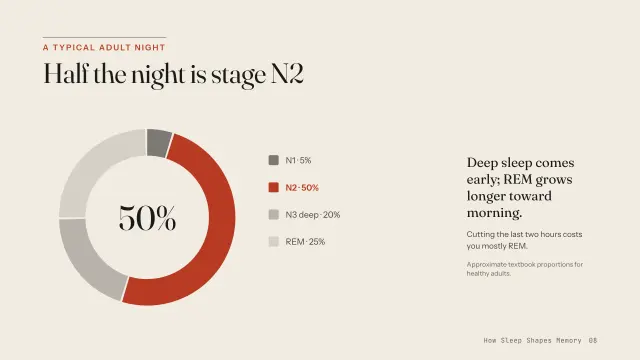
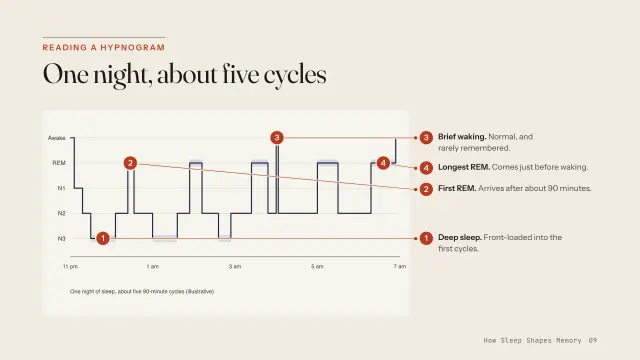
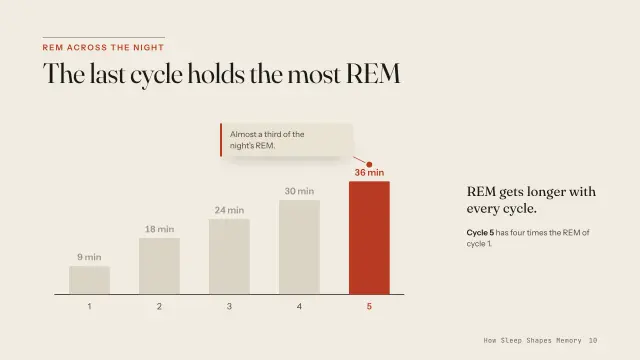
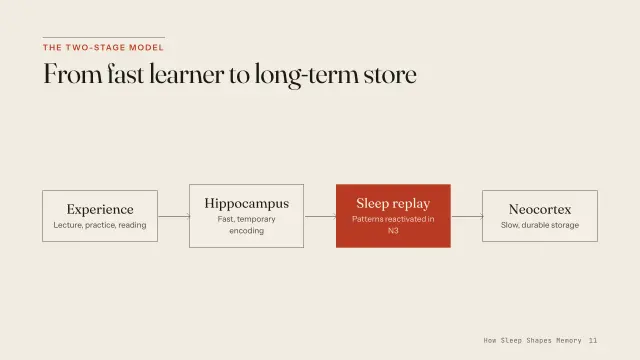


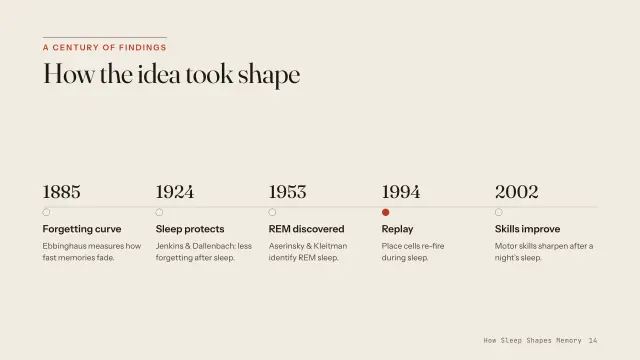
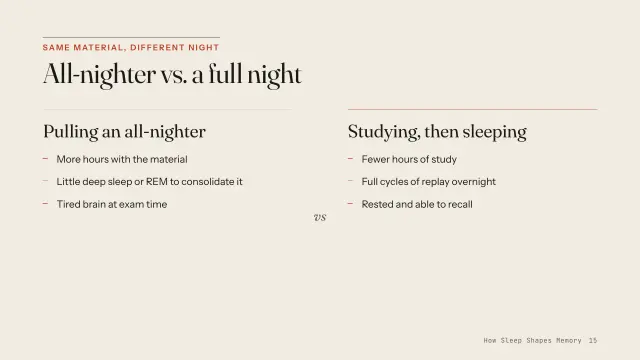

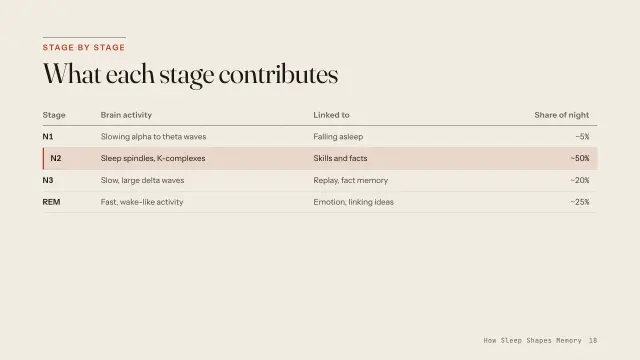

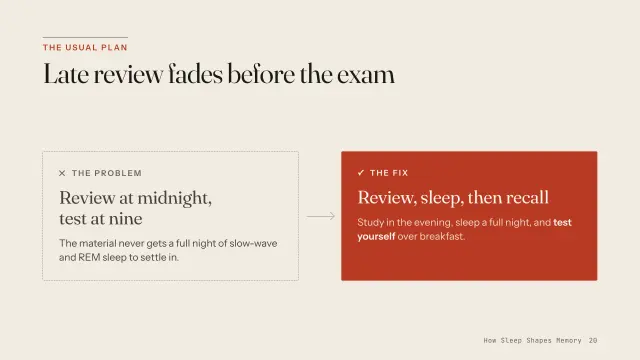

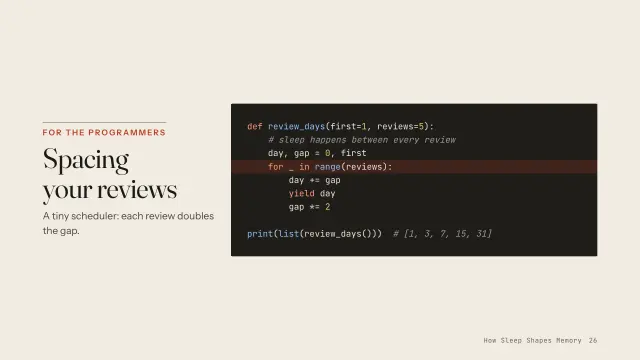


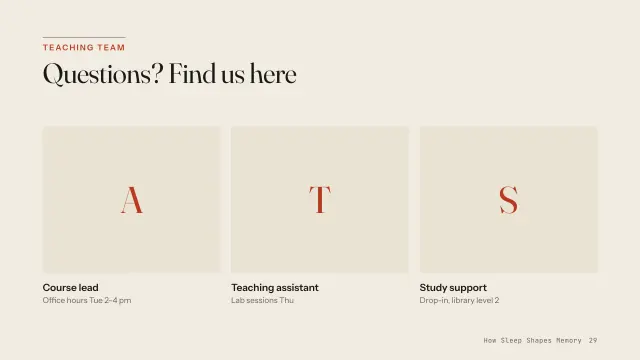

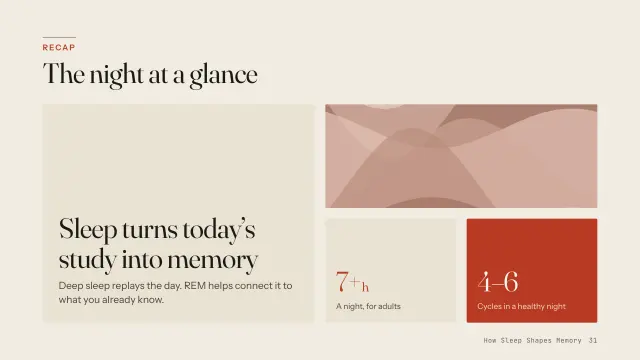


Brief
Describe the talk, or hand over notes, a document or a .pptx. Claude asks everything it needs in one round: purpose, audience, speaker-led or reading, length.
Storyline
You get an outline with a claim on every slide and a layout picked for each. Change anything before a single pixel is designed.
Style
Your own title and content slides, rendered in three themes side by side. Pick A, B or C, or mix them.
Build and check
The deck is built as one HTML file, then every slide is rendered in a real browser and checked. Anything that fails is fixed before you see it.
Present and share
Present with a notes window and timer, or export a vector PDF, PNGs or a live link.
A design check that actually looks.
Most tools trust the model. Decklume renders every slide and measures it. Run the check on this broken slide.
[overlap]“Three small experiments…” overlaps the badge[clipped]text is cut off inside the second card[contrast]2.1:1 is below 4.5:1 for “Write down what you…”[type-size]14px source line is below the 18px minimum
Press run to inspect the slide.
These are four of the checks qa.mjs runs on every slide, with the same rule names. It also checks overflow past the slide edge, web fonts, broken images, leftover placeholder text, JavaScript errors and 16:9 scaling on phones.
Install in two commands.
In Claude Code, add the marketplace:
/plugin marketplace add https:/ / github.com/ GgauravJ05/ decklume Then install the plugin:
/plugin install decklume @decklume Now just ask, for example:
Make a 10-minute presentation on the causes of World War I for my history class.Turn lecture-04.pptx into a Chalk-themed deck and keep my speaker notes.Build a 20-minute thesis defense from my abstract and results.Pitch deck for our startup, 12 slides, ending with the raise.
Prefer a standalone skill?
git clone https://github.com/GgauravJ05/decklume.git cp -R decklume/skills/decklume ~/.claude/skills/ Requires Node.js 18 or newer, and nothing else: PowerPoint import is pure Node. Design QA, previews and PDF export install Playwright once into ~/.cache/decklume.
Made for whoever is presenting next.

How it compares.
Side by side with frontend-slides, another open-source Claude Code skill for HTML presentations:
| frontend-slides | Decklume | |
|---|---|---|
| Style previews | Three separate title-slide files | Your title and content slides, side by side on one page |
| Verification | Advice to check screenshots | Automated QA gate with a contact sheet, run in CI |
| Motion | Entrance animations | Entrances, step builds and Magic Move |
| Presenting | Speaker notes via host | Presenter window with notes, timer and next slide |
| Screenshots, about 20 MB for 18 slides | Vector with selectable text, 1.1 MB for 33 slides |
Questions people ask
How do I make a presentation with Claude?
Install the Decklume skill in Claude Code, then describe the presentation you need, for example: “Make a 15-minute lecture on photosynthesis for first-year students.” Decklume agrees the outline with you, shows your slides in three styles, builds the deck and checks it with an automated design QA pass.
Is Decklume free?
Yes. Decklume is free and open source under the MIT license. It runs inside Claude Code.
Can Decklume convert my PowerPoint?
Yes. It reads .pptx files, including bullet levels, tables, images in groups, speaker notes and native chart data, and redesigns them as an animated HTML deck.
What do I get at the end?
A single self-contained HTML file that runs in any browser, with a presenter view. Export it as a vector PDF with selectable text, PNG images per slide, or deploy it to a live link.
What does the design QA check?
It renders every slide in a real browser and fails the deck on text overflowing its box, overlapping text, type below the minimum size, WCAG contrast failures, web fonts that did not load, leftover placeholder text, broken images and JavaScript errors.
Does it work outside Claude Code?
The skill is Markdown plus Node scripts, so any coding agent with file and shell access can follow it. The command-line tools also work on their own.
Your next deck is one prompt away.
/plugin install decklume@decklume